
Transcripts and playback
Review from the transcript
Open a transcribed video and read 逐字稿 (Transcript). Click text to locate its source, then use the player’s seek bar, playback speed and volume controls to check it.
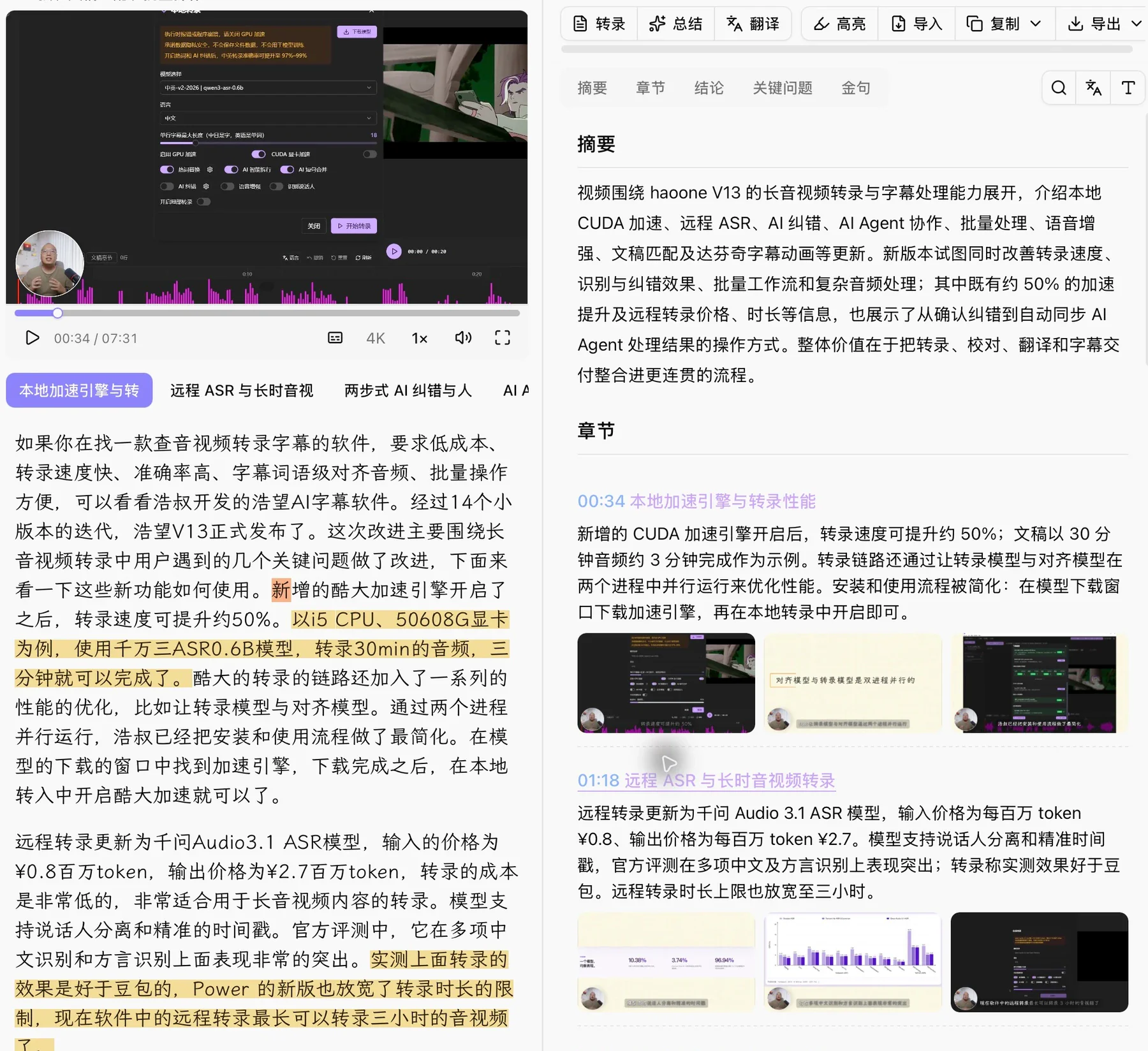
Search the current transcript
Click 搜索 (Search) in the transcript toolbar and enter a keyword to locate the relevant sentence. Use this for the current file; use the left navigation Search for multiple files.
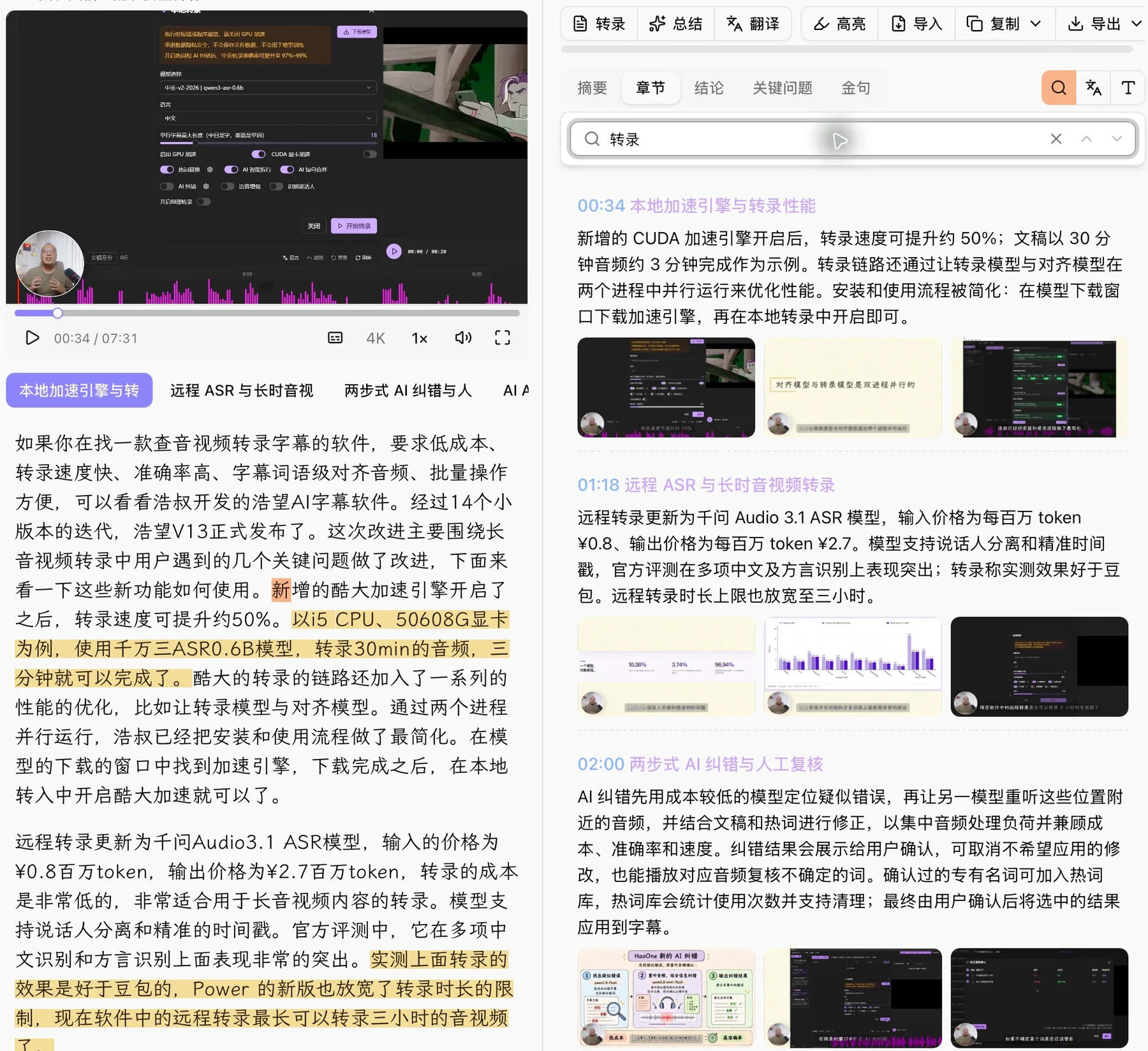
Reading options and translation
Use 阅读设置 (Reading settings) for transcript presentation and the player’s Subtitle style for on-screen subtitles. Click 翻译 (Translate), choose a target language and model, and submit. After completion, use 字幕语言 (Subtitle language) to switch the displayed language.
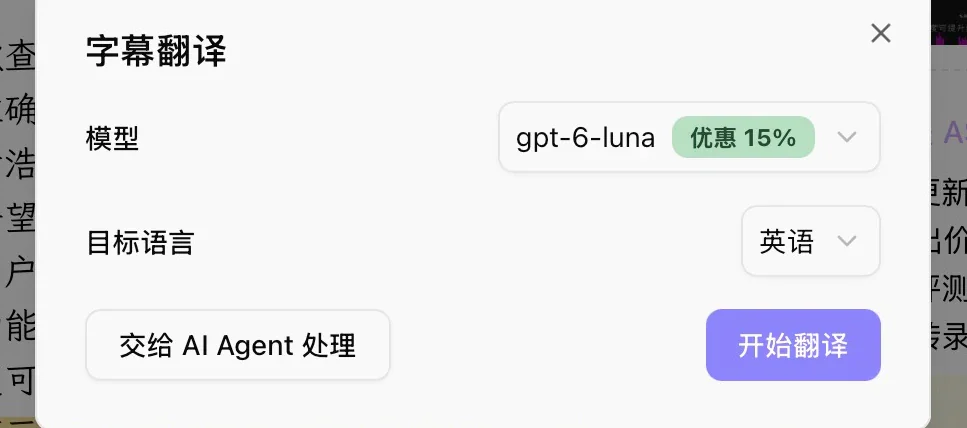
Translation supports online and local models. Check the model and billing information for online mode. For local mode, install Index-Translate-2B and disable Remote model translation; see Local subtitle translation. If the action is unavailable, first confirm that the file has a transcript.