 OctSum
YouTube Video Summarizer: Chapters, Transcripts and Notes
A long interview or technical talk may contain just a few sections relevant to your question. Read its structure first, then choose which explanations deserve a closer watch.
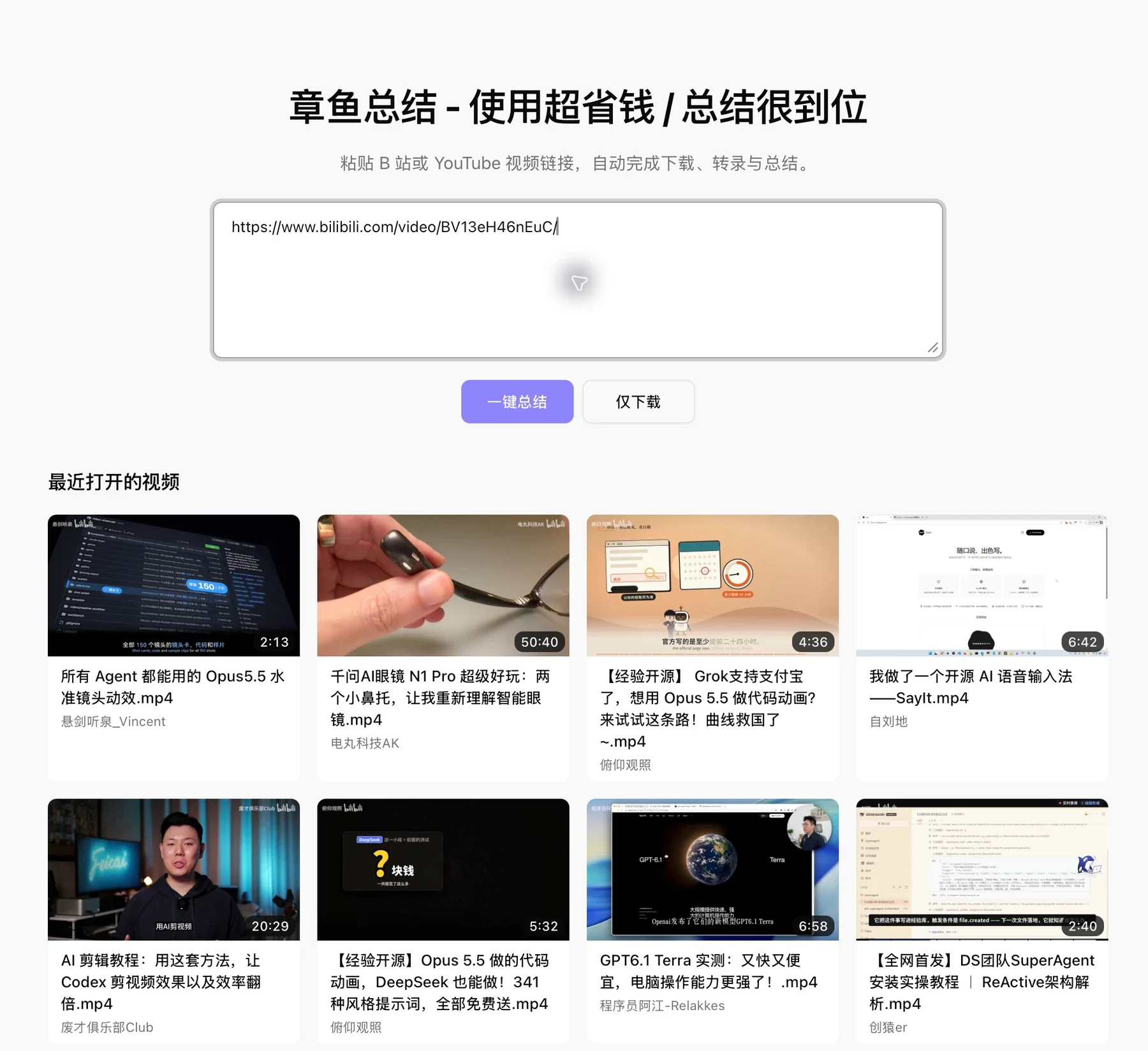
The desktop link entry showing a Bilibili download and processing workflow.
Start with one accessible source
Confirm language and audio, retrieve the file, then choose local or online transcription. Network access and platform permission are source requirements, not summary-model settings.
Single-link processing should not be described as automatic synchronization of arbitrary playlists. Check supported import paths before batching downloaded files.
The desktop workflow
- Add an accessible YouTube link: Import the link in the app and confirm that your network can access the video. Prepare any account permissions required by the platform.
- Check the transcript and choose a model: Review important terms in the transcript, then summarize with a model suited to the language. Check that the output covers the questions you care about.
- Revisit chapters and export notes: Use chapters to understand the structure and the transcript to review particular moments. Save verified notes as Markdown.
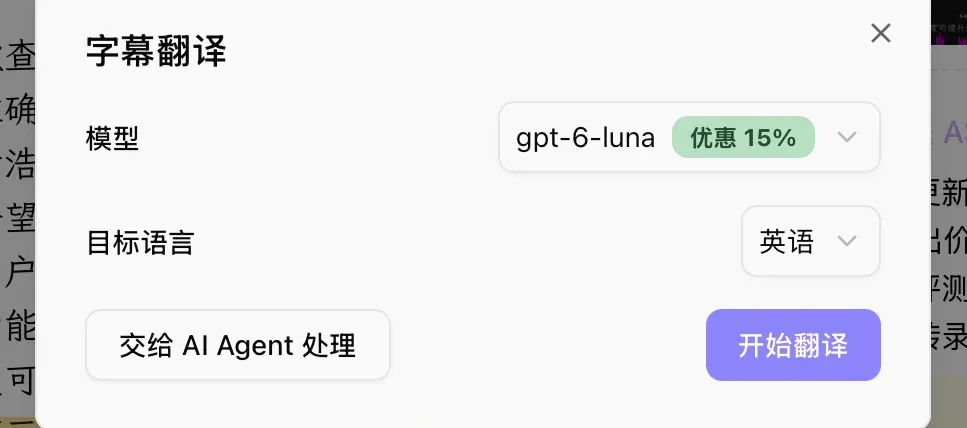
Translation model and target language controls. Current model availability and pricing may differ.
Keep original terminology
Review names, course titles and abbreviations in the original transcript. Listen back before quoting; translated notes are not exact speech.
Use chapters to triage content and translate only when close reading is needed. Not every long video requires every processing stage.
Create a study record
Retain source, topic and your questions together. Keyframes help recall visual context without promising every slide.
Check export sections and retain the workspace-to-source relationship for later verification.
Example note structure
This original example illustrates a possible structure; it is not the actual result shown in the screenshots.
When interviewing a customer, ask about the last time the problem happened. A wish list tells you what sounds attractive; a recent example reveals the workaround, the cost and who was involved.
Main idea: Ground interviews in recent events instead of only asking which features people want.
Follow-up questions: Ask how the person currently handles the problem, what it costs and who else is involved.
Source check: Preserve the context when quoting. A workaround is a temporary solution, not necessarily a requested product feature.
Frequently asked questions
Can I summarize videos in another language?
Transcribe the source speech, then use a model that supports the relevant language. Output language and quality depend on the model and task settings. Verify important terms against the source.
What if YouTube is unavailable on my network?
Link processing requires the app to retrieve the content. Network or platform restrictions can prevent this. If you already have a local file you are allowed to use, import that file instead.
Is this a browser extension?
The current workflow runs in the OctSum desktop app. This page does not provide an installed browser extension or an in-browser summary service.
Start with one familiar source
Validate the workflow with a short recording before moving to longer material or a batch. Processing takes place in the Windows or macOS app; the website provides information and downloads. Software licensing is separate from AI usage. Local ASR does not consume official credits; online services, personal APIs and external agents may charge separately.
Start with one video
Create an account, download OctSum, then import, transcribe and summarize on your computer. AI service availability and costs depend on your chosen model and configuration.