
Task queue and usage
Follow processing stages
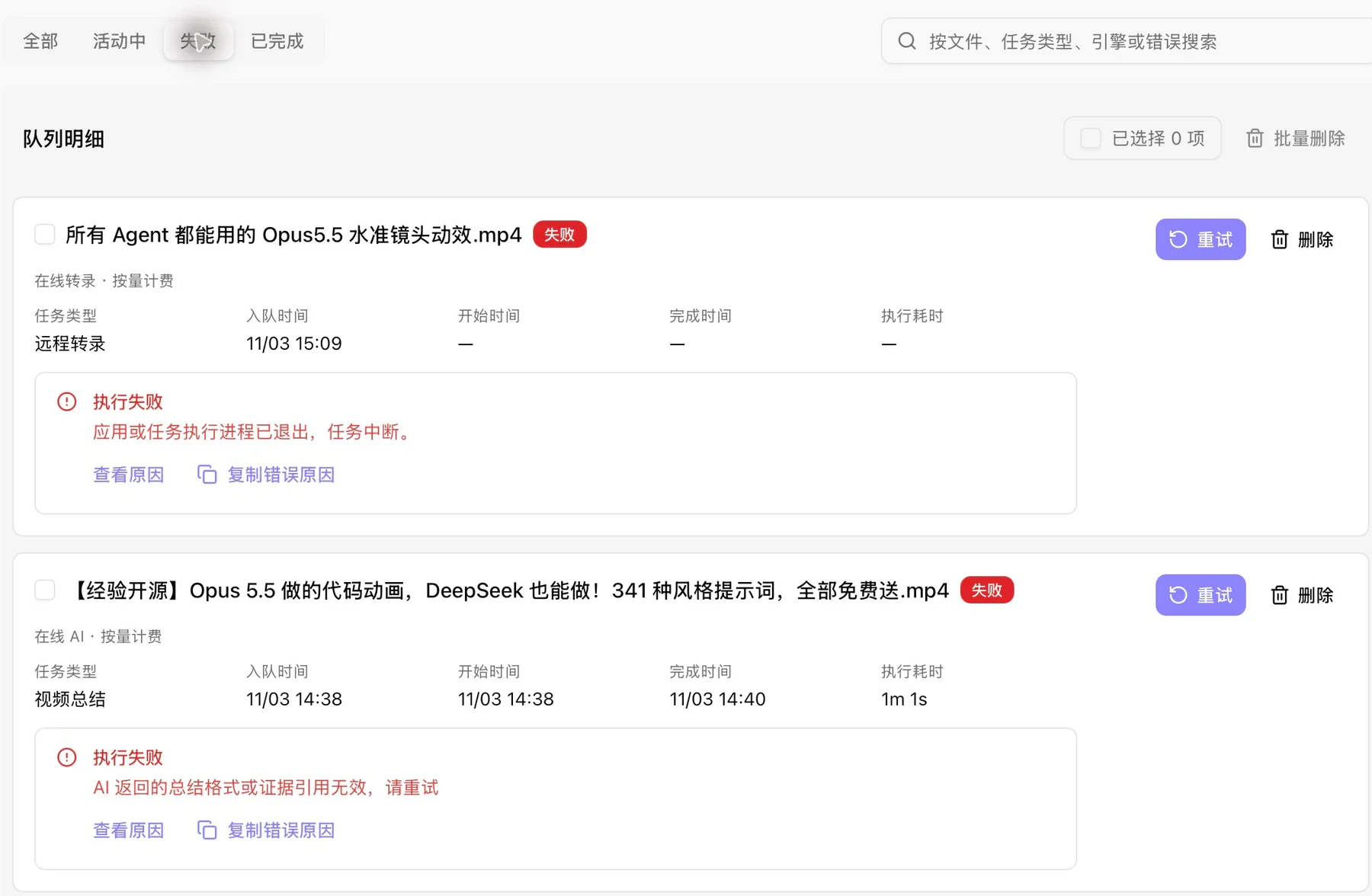
Open 任务队列 (Task queue) and switch between All, Active, Failed and Completed. Search by filename, task type or error keyword. Download, transcription, summary and keyframe/key sentence marking appear as separate stage records.

Measured work may show a percentage. Parsing or waiting for a service may show only a stage. Summary generation percentages are server estimates, not a guarantee of output completeness.
Retry failures
Open Failed, read the error, fix connectivity, authentication, model or media issues, and click Retry on that record. Do not resubmit a task still running. Historical failures do not mean the latest attempt for the video has failed.
Inspect usage
Task details include input/output tokens, spending and savings when available. Open Model usage in the left navigation for further call information. Missing, pending, dash or unavailable amounts do not mean free usage.
Local transcription does not deduct balance. Online transcription, summaries and AI marking can each incur charges. Reuse may avoid repeated computation, but actual reuse and charges come from the final task record.