
Bilibili favorites and batch actions
Browse Bilibili favorites
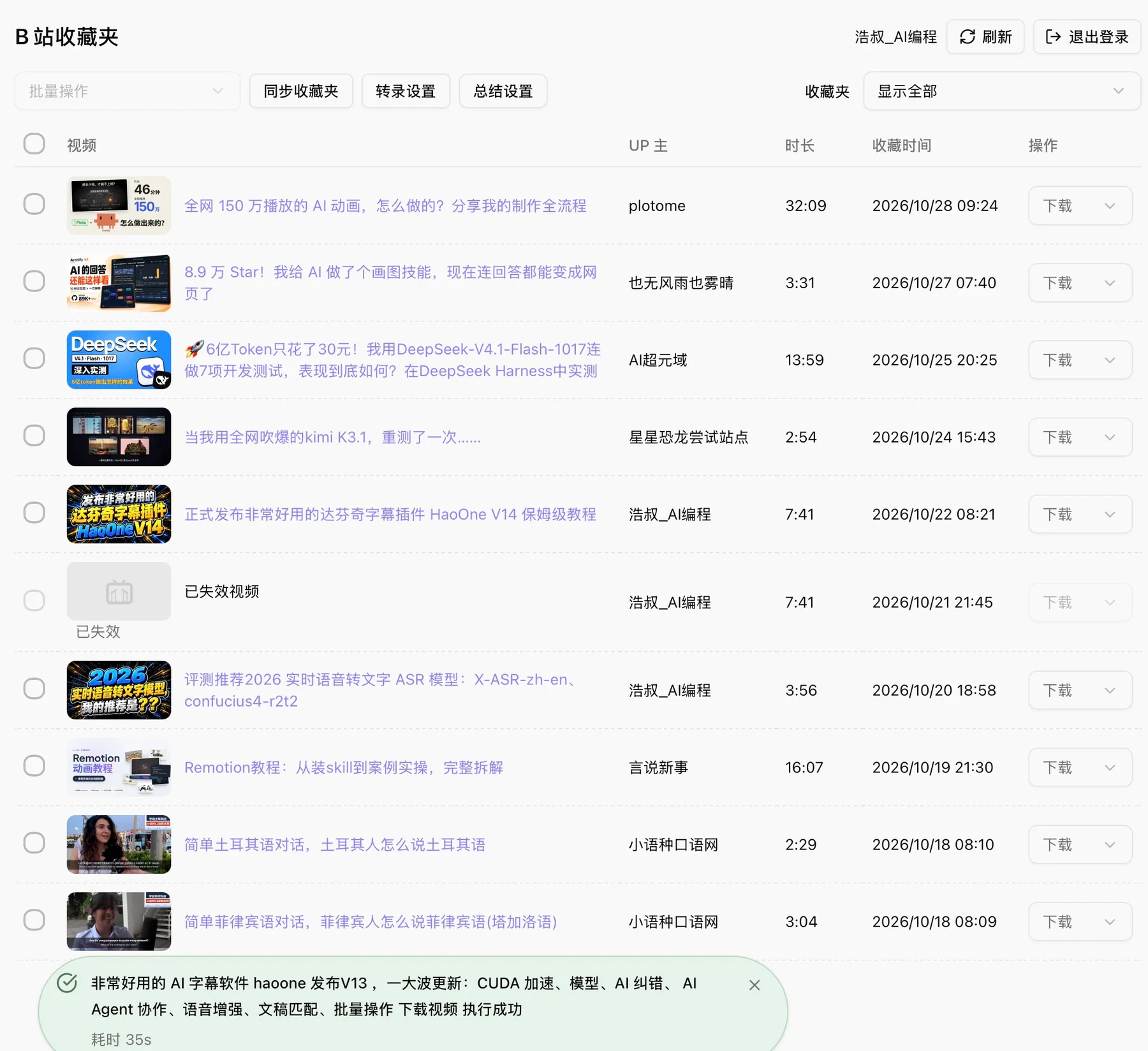
- Click B 站 (Bilibili) in the left navigation. Sign in when prompted.
- Select a collection in 收藏夹 (Favorites), or choose 显示全部 (Show all).
- Click 同步收藏夹 (Sync favorites) to update the catalog and use pagination for more videos.
Download and batch process
For one video, open its Download dropdown and choose the required workflow. For several videos, select their row checkboxes and use the top 批量操作 (Batch actions) menu. Unavailable videos cannot be downloaded.
Before submission, check 转录设置 (Transcription settings) and 总结设置 (Summary settings) for models, language and summary sections. Syncing only updates the list; it does not start downloads or summaries. Follow submitted stages in Task queue.
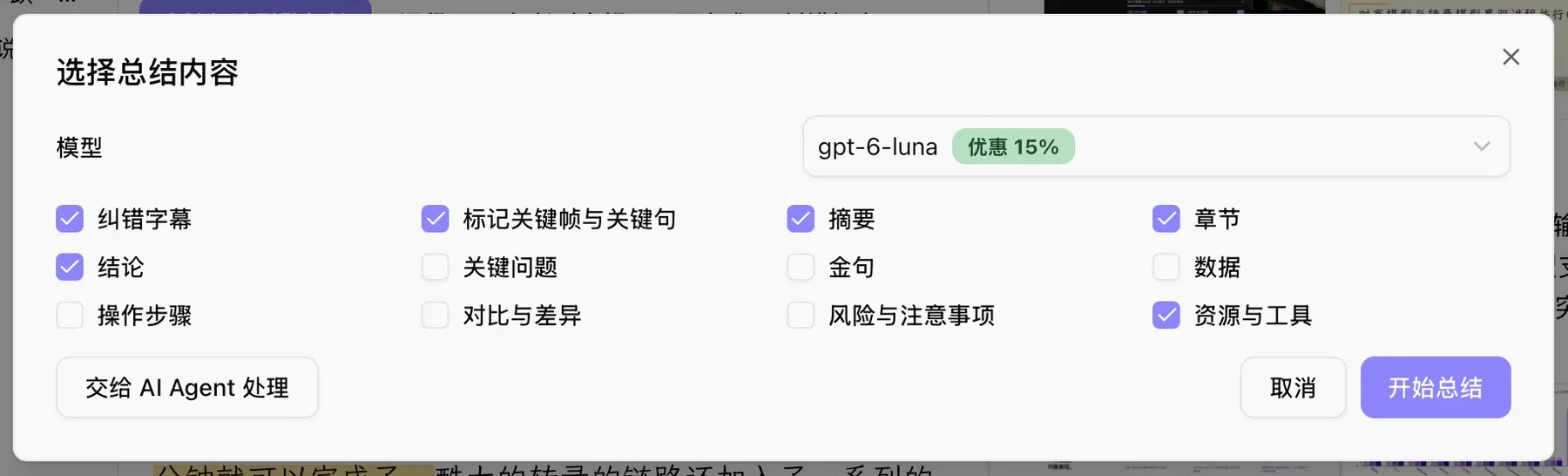
After changing account, collection or workspace, check your selection again before submitting a batch.