Model APIs and preferences
Model APIs
Open 模型 API 设置 (Model API settings) and choose services and models. For a custom service, enter its endpoint, API key and model details. Enter keys only in your own installation and hide keys and account details in public screenshots.
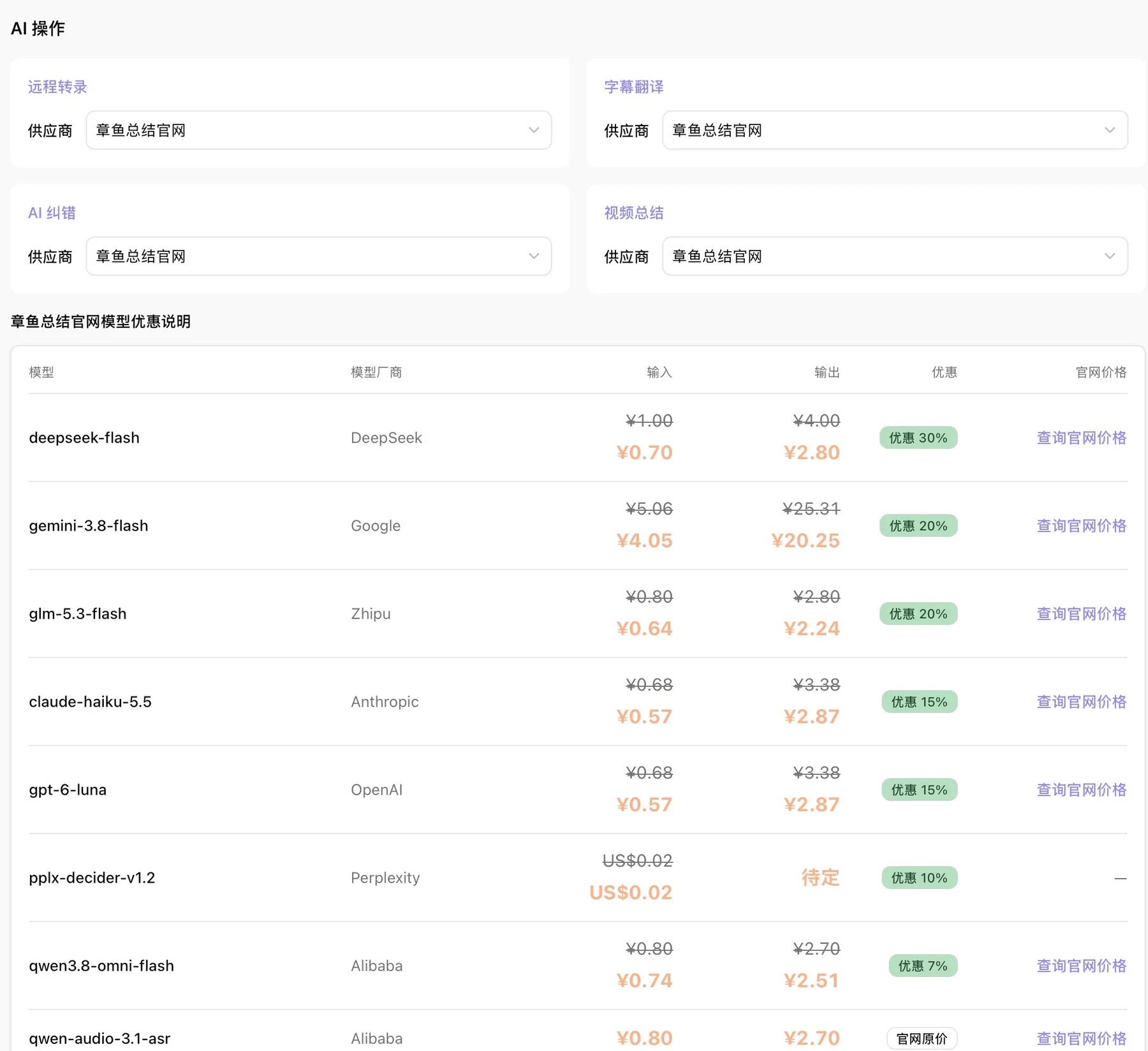
After configuration, confirm the selected model in Summary or Translation. Third-party providers determine their own charges.
Hotwords
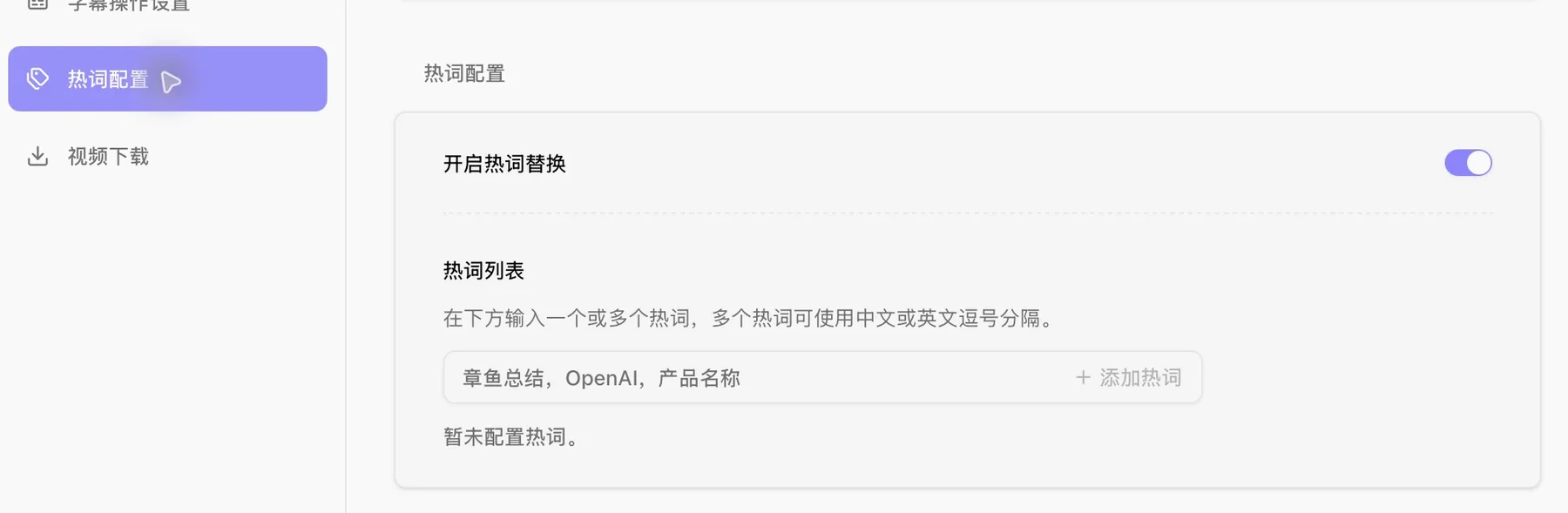
Open Settings → 热词配置 (Hotwords). Enter names or technical terms in New hotword, separating multiple terms with Chinese or English commas, then click Add hotwords. Enable hotword replacement when needed before transcription.
Appearance and output folders
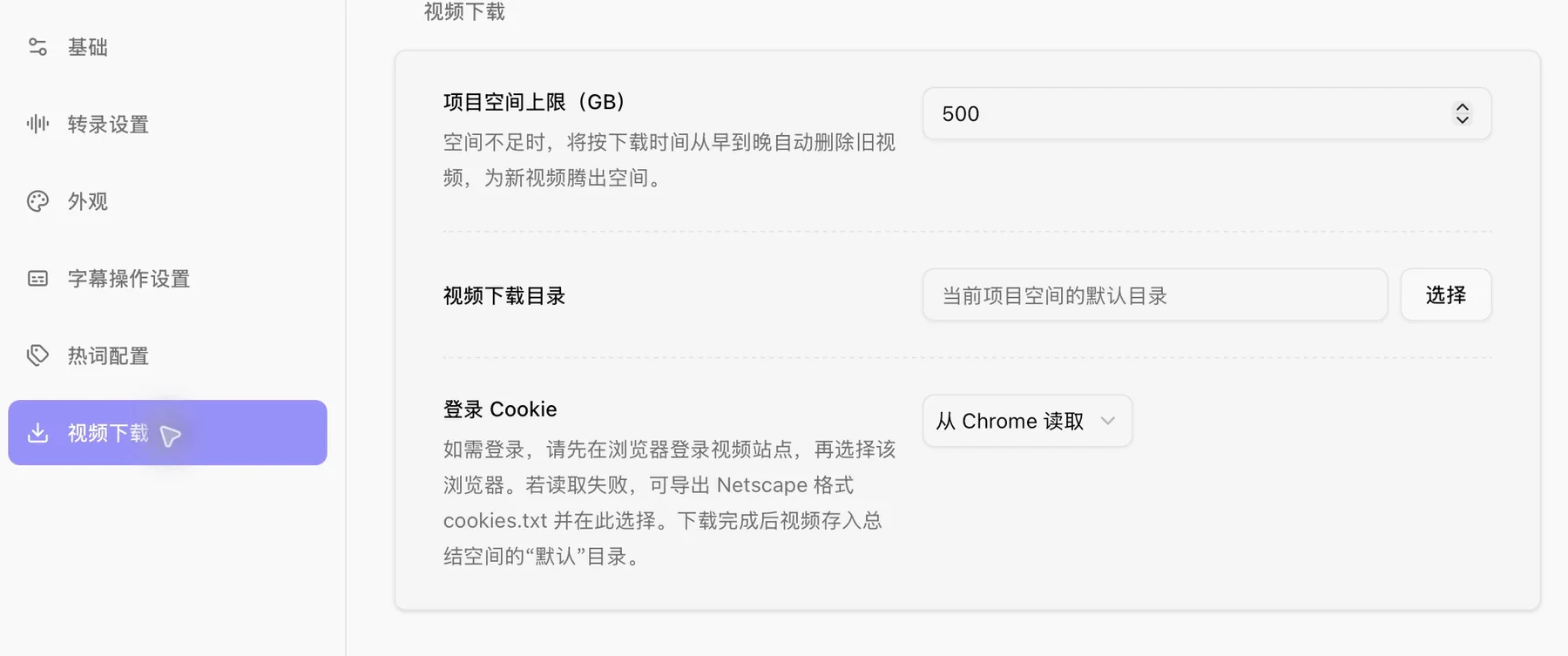
Settings → Basic includes display language. Appearance controls the base color scheme. Subtitle operation settings includes the output folder for clips exported from selected text. Video download includes destination, storage limit and Cookie source.