 OctSum
Podcast Summarizer: Turn Long Interviews into Notes
A useful idea can be buried inside a long conversation. Organize the themes first, then listen again to the statements worth keeping for your research or writing.
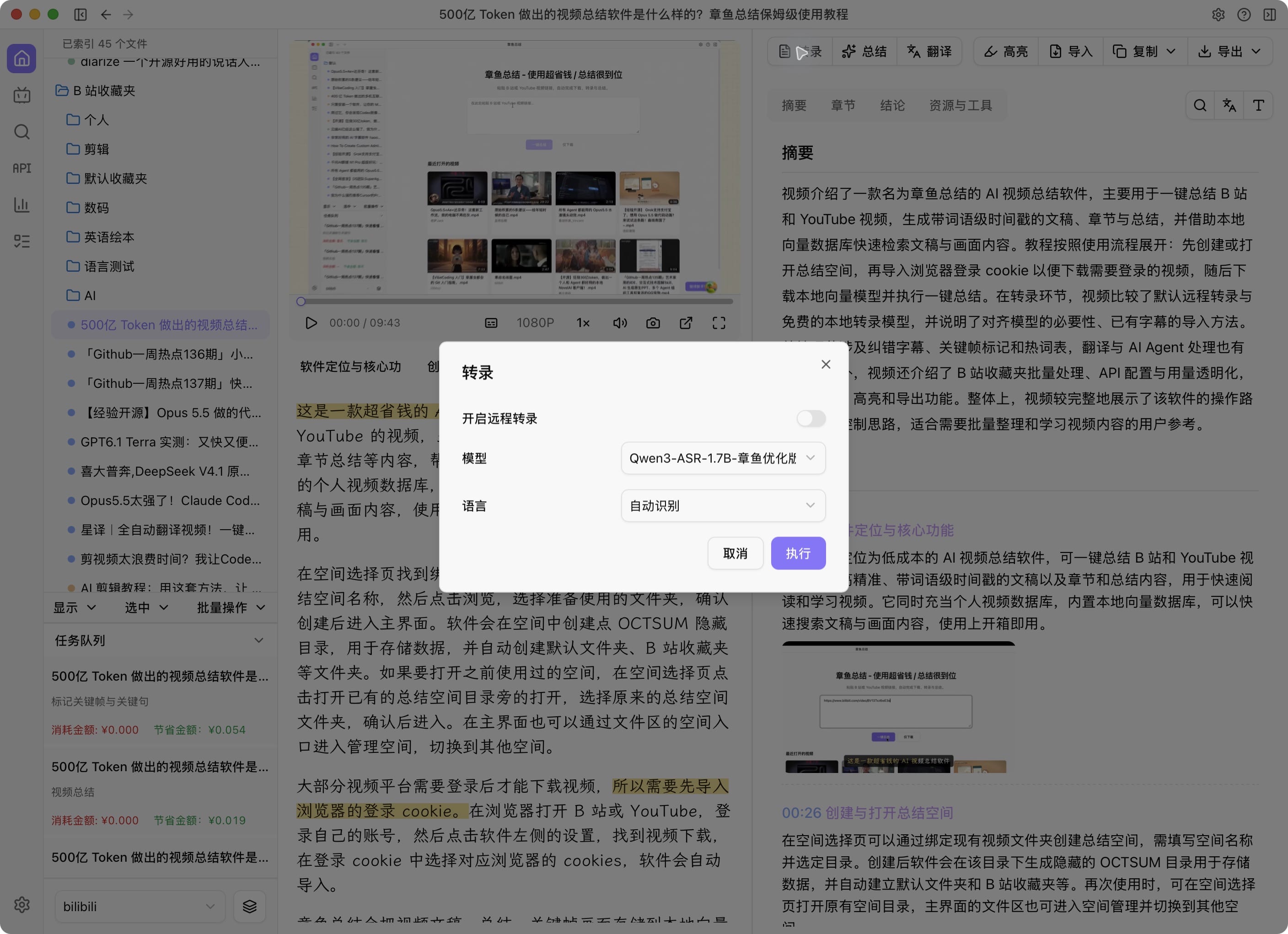
Real app view: local transcription model and source-language selection.
Start with accessible audio
Use an authorized audio file without turning it into a decorative video first. Direct platform and RSS support must be checked rather than assumed.
Check completeness and language, then ensure the actual discussion is retained despite introductions or advertising.
The desktop workflow
- Prepare the audio or video interview: Import a local audio file or a supported video link. If you only have a podcast webpage, first check whether its content can actually be retrieved.
- Transcribe and read by theme: Generate the transcript and summary. Identify the questions discussed, check names and connect the main claims with supporting examples.
- Verify quotations and keep the source: Navigate from the transcript to the original audio or video. Confirm wording and context, then export Markdown for research or writing.
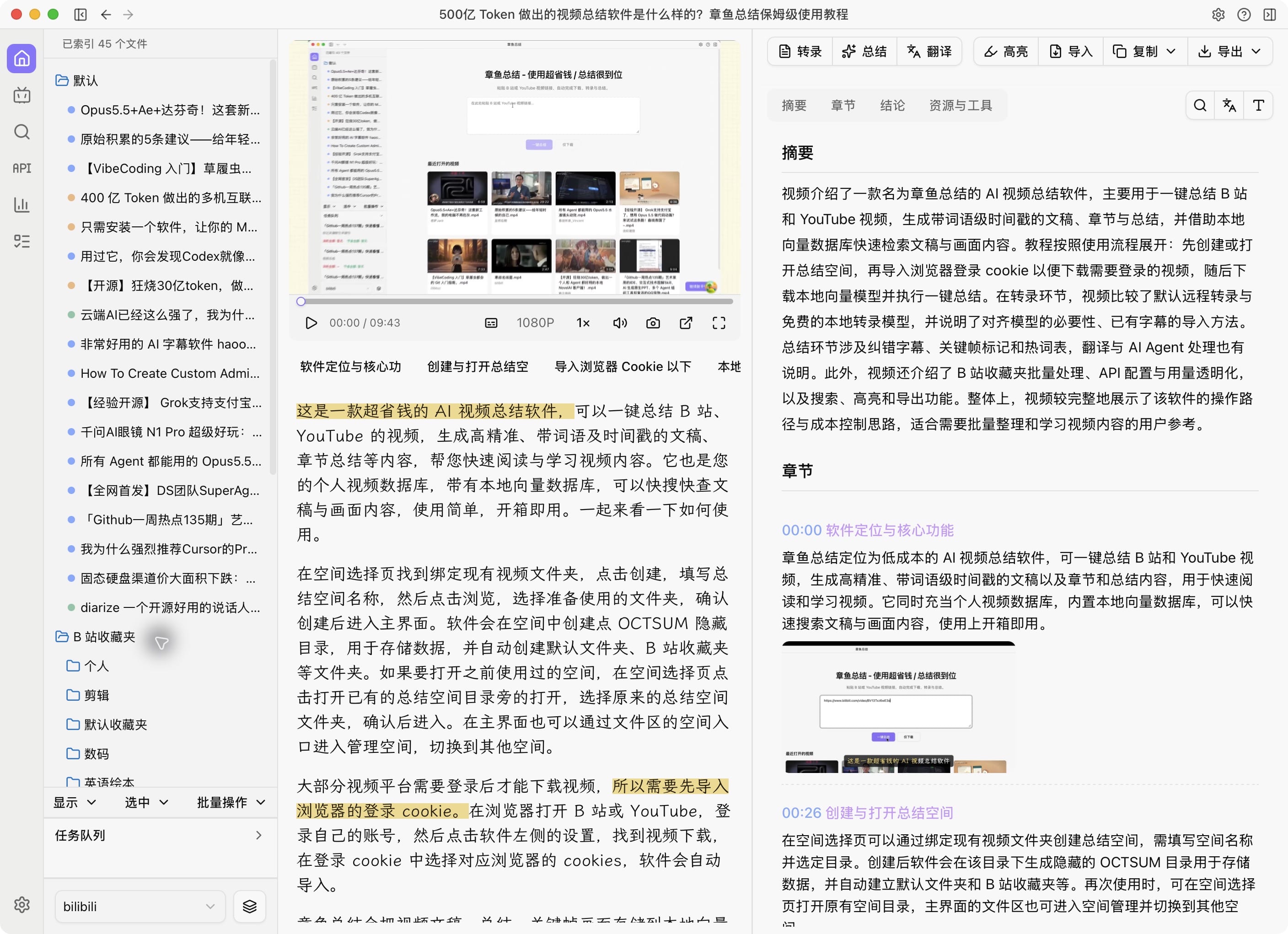
Real app view: reading the official OctSum tutorial with its transcript and summary.
Separate questions from guest views
A position may emerge through follow-up questions. Retain scope and later qualifications instead of saving only a striking sentence.
Check who expressed each view and review names of people, books and products before further research.
Keep notes useful for listening back
Use chapters to choose passages, then verify tone and examples in the audio. Save timing alongside your interpretation.
Audio-only sources have no original video frames. Use the video edition when visual material matters.
Example note structure
This original example illustrates a possible structure; it is not the actual result shown in the screenshots.
I used to save only the finished article. Later I noticed that unused interview details could help with the next piece. Now I record the source and the questions that were left unanswered.
Guest's experience: Interview details that do not enter the final article may still support future work.
Practical habit: Save the source and keep a record of unanswered questions.
Quotation boundary: This is an account of personal practice. Preserve the interview context when citing it.
Frequently asked questions
Can I import links from every podcast platform?
Support for every episode webpage or RSS address is not promised. Start with an accessible local audio file or a video link from a supported platform.
Can I summarize audio without video?
Yes. Transcribe the audio and summarize it with your configured AI model. Audio-only summaries use the speech and transcript, without video frames.
Will each idea be assigned to the correct guest?
Overlapping voices and multiple speakers can affect recognition and attribution. Listen again before attributing a quotation to a particular guest.
Start with one familiar source
Validate the workflow with a short recording before moving to longer material or a batch. Processing takes place in the Windows or macOS app; the website provides information and downloads. Software licensing is separate from AI usage. Local ASR does not consume official credits; online services, personal APIs and external agents may charge separately.
Start with one video
Create an account, download OctSum, then import, transcribe and summarize on your computer. AI service availability and costs depend on your chosen model and configuration.