 OctSum
Meeting recording summaries: discussions, decisions and follow-ups
A useful meeting recap separates discussion from decisions and open questions. Import an existing recording into OctSum, transcribe it and generate a summary for review. This is a post-meeting file workflow, not a promise of automated attendance or task assignment.
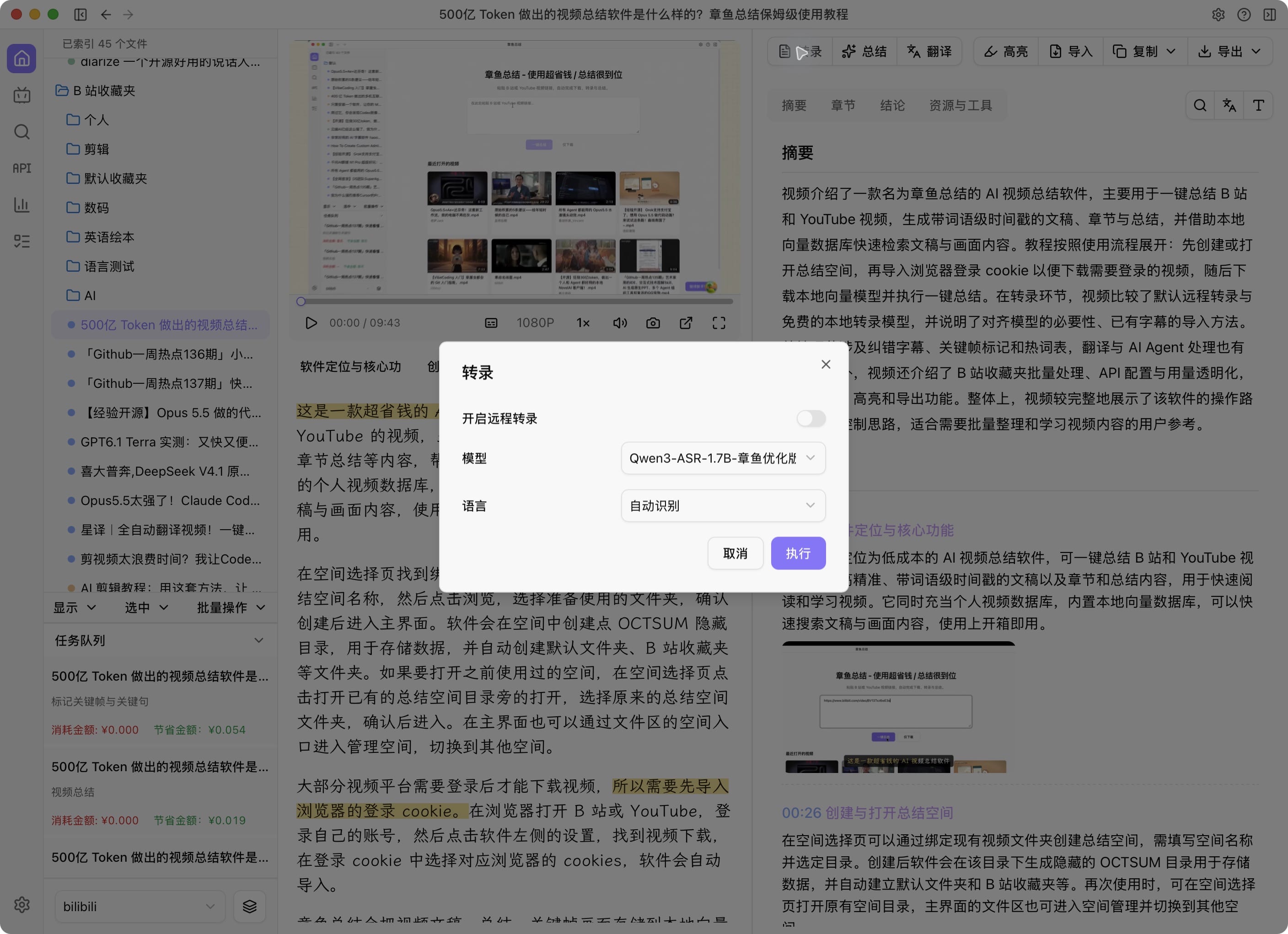
Real app view: local transcription model and source-language selection.
Start with usable and authorized audio
Overlapping speech, distant microphones and echo affect recognition. Confirm permission to process the recording, then review important names, project terms and dates.
If speaker attribution matters, check actual model support and verify attribution rather than guessing from the topic.
The desktop workflow
- Import authorized audio, transcribe and check names and project terminology.
- Review discussions, decisions and open questions without inventing ownership.
- Replay decisive passages and confirm the recap before sharing.
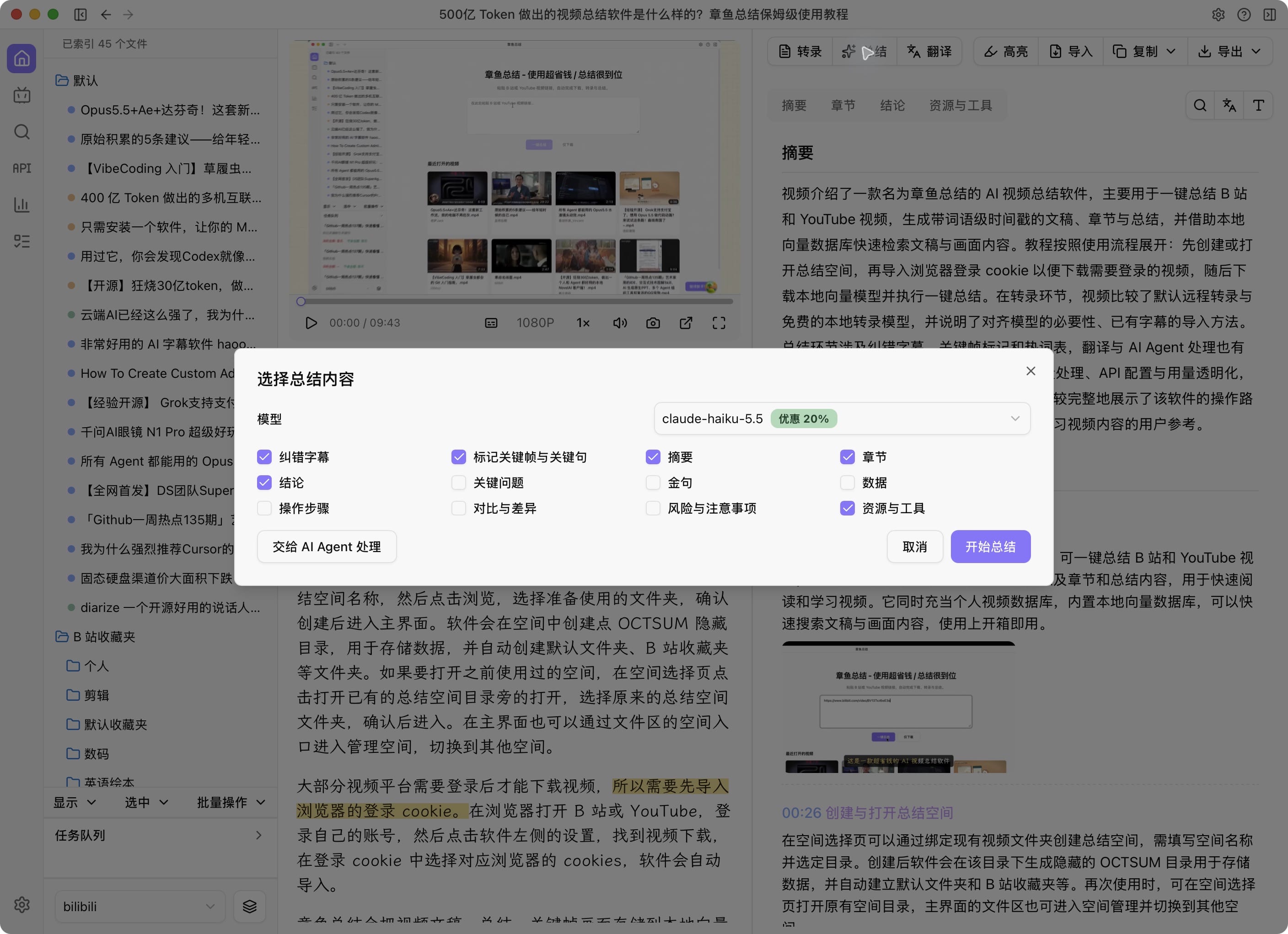
Real app view: summary sections, correction and keyframe options.
Distinguish proposals from decisions
“We could try next week” is not “approved for release next week.” Inspect wording around approval, commitments, delay and cancellation.
Only retain actions supported by the meeting. Missing owners and deadlines remain open questions; they should not be invented to complete a template.
Review before sharing
Verify decisions and actions against the source, and seek participant confirmation where needed. An exported document is not proof of agreement.
Choose processing services and recipients within the recording’s permitted scope. Do not publish a private source recording merely because a recap is useful.
Frequently asked questions
Does it join Zoom or other meetings?
This page covers importing existing recordings, not an automatic attendance integration.
Are action owners always identified?
No. Confirm owners, dates and speaker attribution in the source.
Should generated actions be executed immediately?
Review whether each action was actually proposed and agreed before acting.
Start with one familiar source
Validate the workflow with a short recording before moving to longer material or a batch. Processing takes place in the Windows or macOS app; the website provides information and downloads. Software licensing is separate from AI usage. Local ASR does not consume official credits; online services, personal APIs and external agents may charge separately.
Start with one video
Create an account, download OctSum, then import, transcribe and summarize on your computer. AI service availability and costs depend on your chosen model and configuration.