 OctSum
Interview video summaries: organize views without losing context
Interview summaries need to distinguish questions, answers and later qualifications. OctSum helps you inspect the topic structure and then verify individual views through the transcript and recording, without turning an interviewer’s hypothesis into the guest’s conclusion.
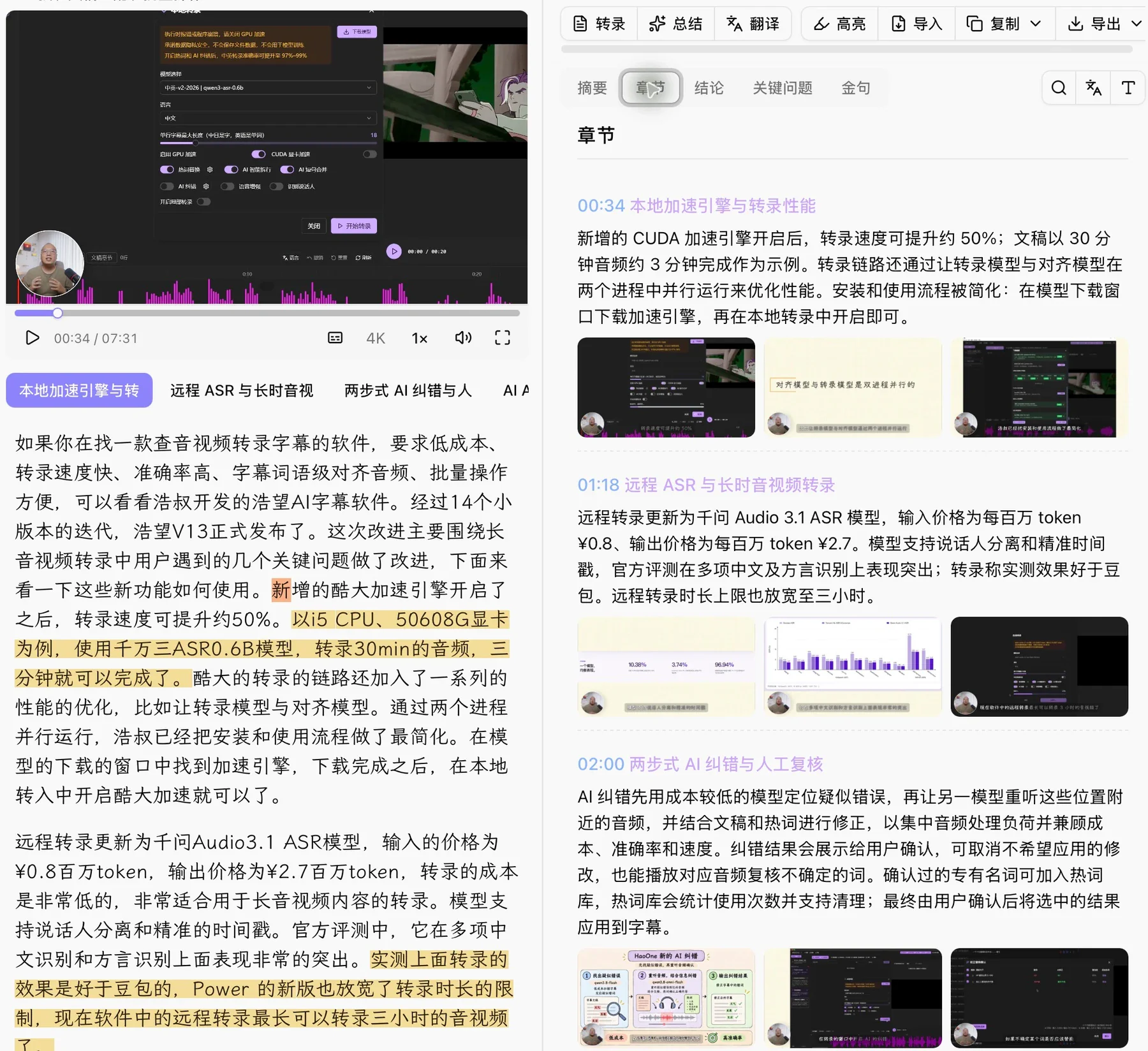
Chapters and keyframes. Features described inside the example source belong to that source product.
Read the question with the answer
An answer may concern one project or a specific period rather than a general rule. Preserve that scope when extracting a view.
For multiple guests, verify attribution. Speaker labels do not replace listening back to important quotations.
The desktop workflow
- Transcribe, review names and retain question-to-answer context.
- Read chapters by theme and search for related remarks.
- Verify quotations and export them separately from your analysis.
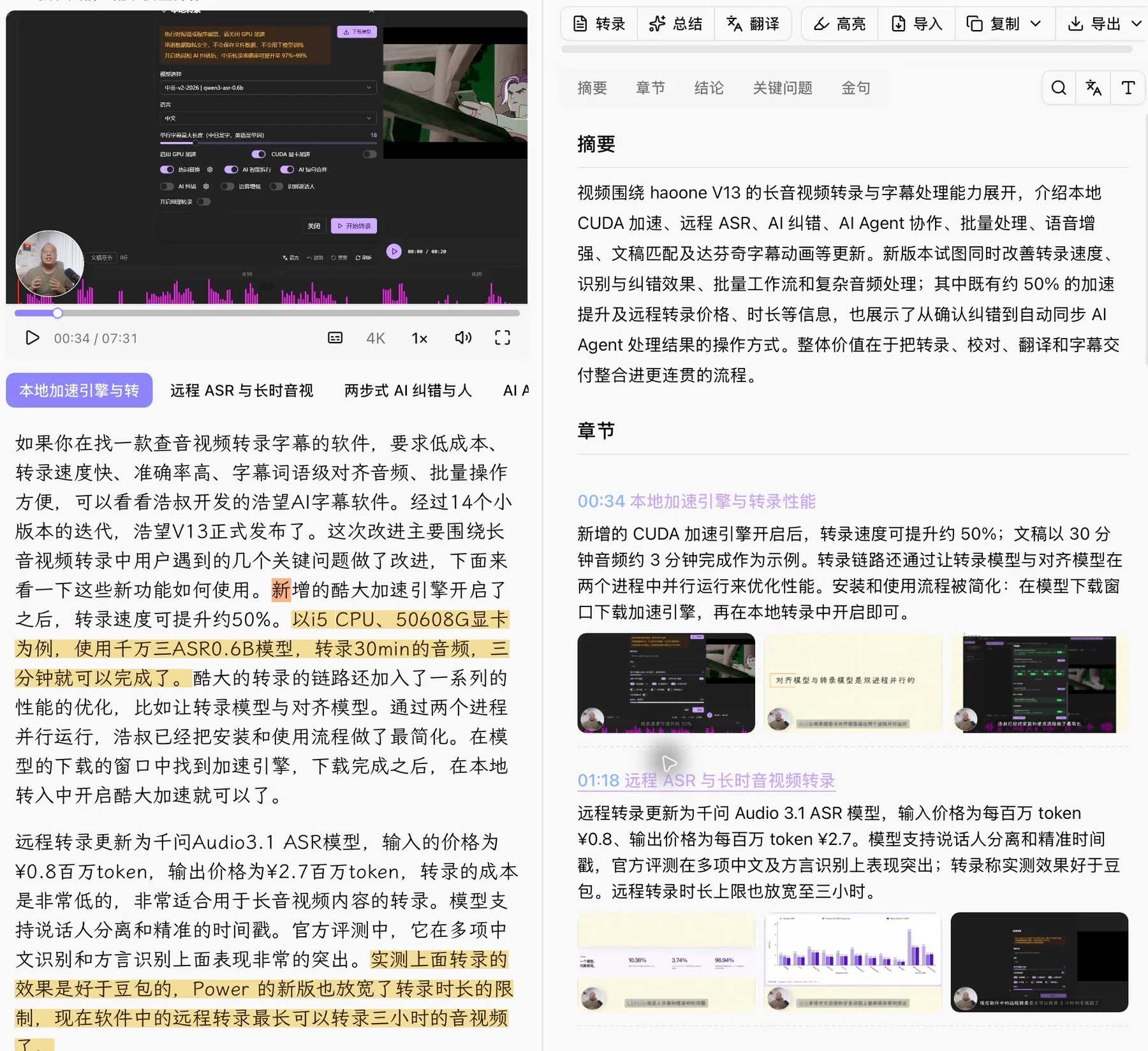
Transcript, source video and summary side by side. Source content does not imply extra product features.
Connect scattered remarks by theme
An interview can introduce an idea early and qualify it much later. Inspect chapters and search for related passages before citing one isolated sentence.
Keep personal experience, speculation and externally established facts distinct. A confident opinion remains an attributed opinion.
Separate quotation from analysis
Save exact wording and timing first, then write your interpretation separately. Do not put quotation marks around an AI paraphrase.
Export chapters alongside transcripts for later checking, and consider the source’s permitted use before publishing interview material.
Frequently asked questions
Can the summary replace the full interview?
It helps triage and review, but important citations need their original context.
How do I avoid attribution errors?
Listen back to important claims, especially during overlapping dialogue.
Can I publish the summary as exact speech?
No. Label paraphrases and verify exact quotations against the source.
Start with one familiar source
Validate the workflow with a short recording before moving to longer material or a batch. Processing takes place in the Windows or macOS app; the website provides information and downloads. Software licensing is separate from AI usage. Local ASR does not consume official credits; online services, personal APIs and external agents may charge separately.
Start with one video
Create an account, download OctSum, then import, transcribe and summarize on your computer. AI service availability and costs depend on your chosen model and configuration.