 OctSum
Chapter summaries: give long videos a usable reading structure
Chapter summaries answer a practical question: where should you start watching? OctSum combines topical sections, explanations, timestamps and keyframes. This supports selective reading and helps you spot topics missing from an overall abstract.
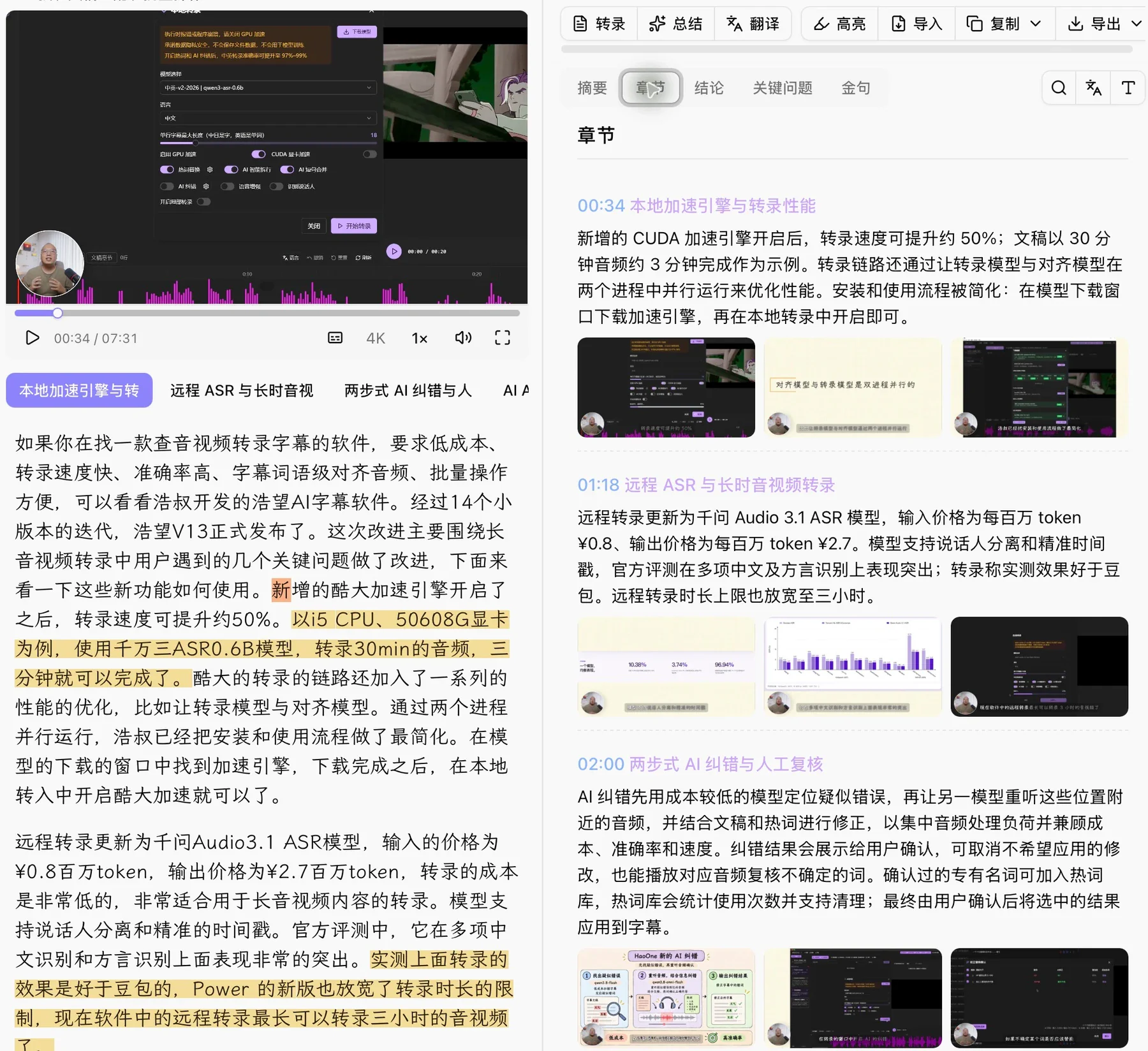
Chapters and keyframes. Features described inside the example source belong to that source product.
Titles should describe useful subjects
“Part two” provides order; “Import media and choose a transcription model” explains purpose. Check that generated titles fit the source and that neighboring chapters do not repeat one topic.
Chapters are not simply equal-duration cuts. Preserve the relationships between steps within a longer explanation.
The desktop workflow
- Generate chapters after transcription, with keyframes if needed.
- Check titles and timestamps against their actual source sections.
- Read relevant chapters and export notes while retaining source access.
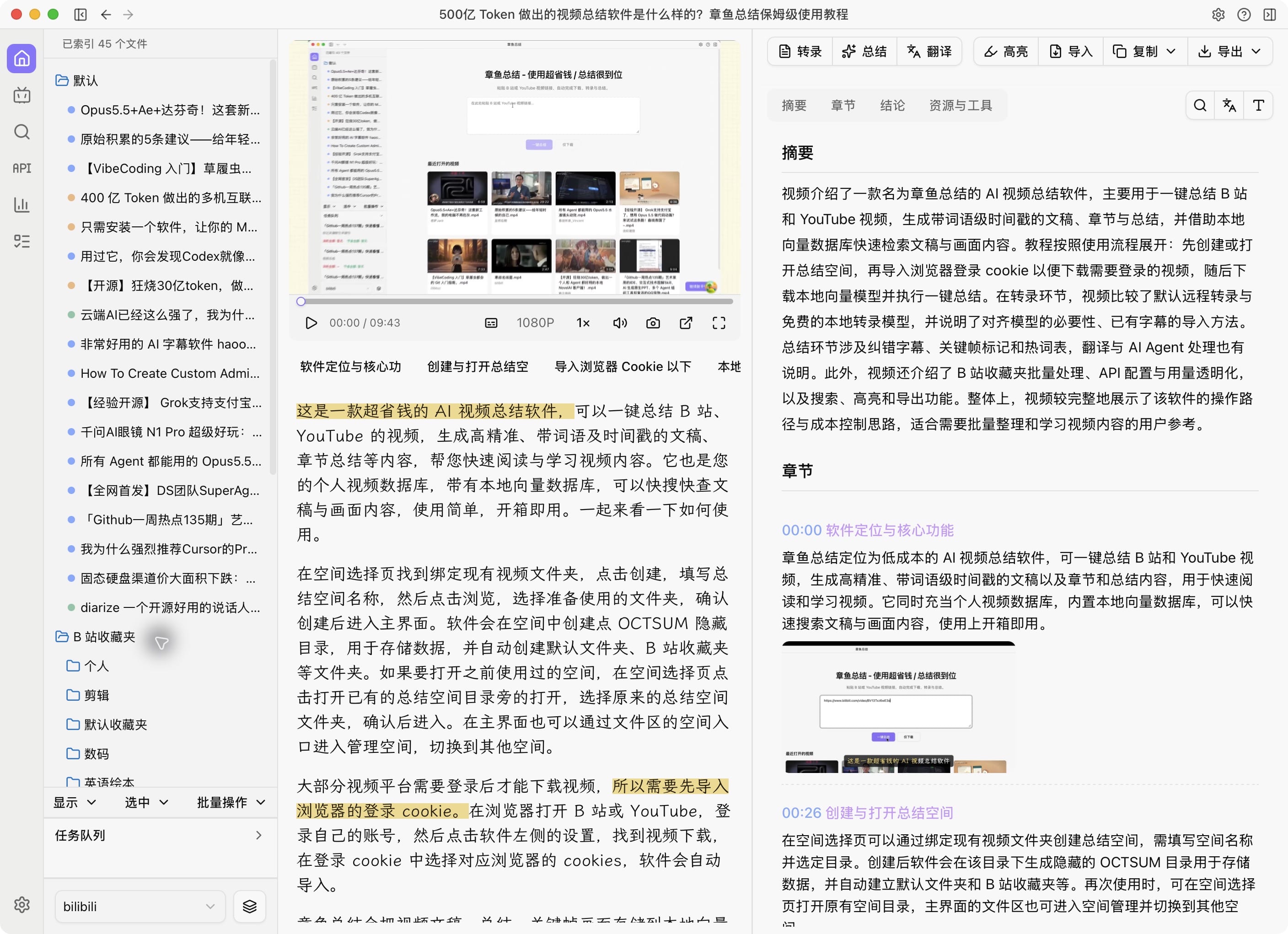
Real app view: reading the official OctSum tutorial with its transcript and summary.
Verify chapter boundaries
Click a timestamp and confirm that playback reaches the relevant discussion. A boundary may sit near a transition; inspect nearby speech rather than treating it as a frame-exact editing point.
Keyframes provide visual cues. A tutorial shown inside OctSum remains source material, not a list of features implemented by OctSum.
Read chapters for the task at hand
For revision, begin with unfamiliar subjects; for an operation, follow prerequisites, settings and outcomes; for research, retain arguments and counterexamples.
Chapter notes do not modify the original video. Export the summary for reading, or use the separate clip workflow when you need actual media excerpts.
Frequently asked questions
Does this edit the original video?
No. Chapters organize reading and navigation; they do not imply media cuts or re-encoding.
Are timestamps exact editing boundaries?
They help locate content. Check clip start and end points before export.
Can I read only the chapters?
For triage, yes. Verify important data, conditions and conclusions in the source.
Start with one familiar source
Validate the workflow with a short recording before moving to longer material or a batch. Processing takes place in the Windows or macOS app; the website provides information and downloads. Software licensing is separate from AI usage. Local ASR does not consume official credits; online services, personal APIs and external agents may charge separately.
Start with one video
Create an account, download OctSum, then import, transcribe and summarize on your computer. AI service availability and costs depend on your chosen model and configuration.